Free
No paid tier — every writing feature is included.
 Mini Notes
Free · iPhone & iPad · 50 languages
If you want a notes app that's “open and write, tidy as you go, never lose a word,” Mini Notes is built for you.
Share
At a glance
No paid tier — every writing feature is included.
One universal app, iOS 16.0 or later.
Follows your system language, or pick one yourself in Settings.
A local database, encrypted on disk. Note content is not uploaded.
Plus bold and strikethrough, right on the editing toolbar.
Notebook → group → note, nested as deep as you need.
Even if a call comes in, the app is interrupted, or your phone runs flat, anything you hadn't saved is brought back automatically. No hunting for a save button—just write.
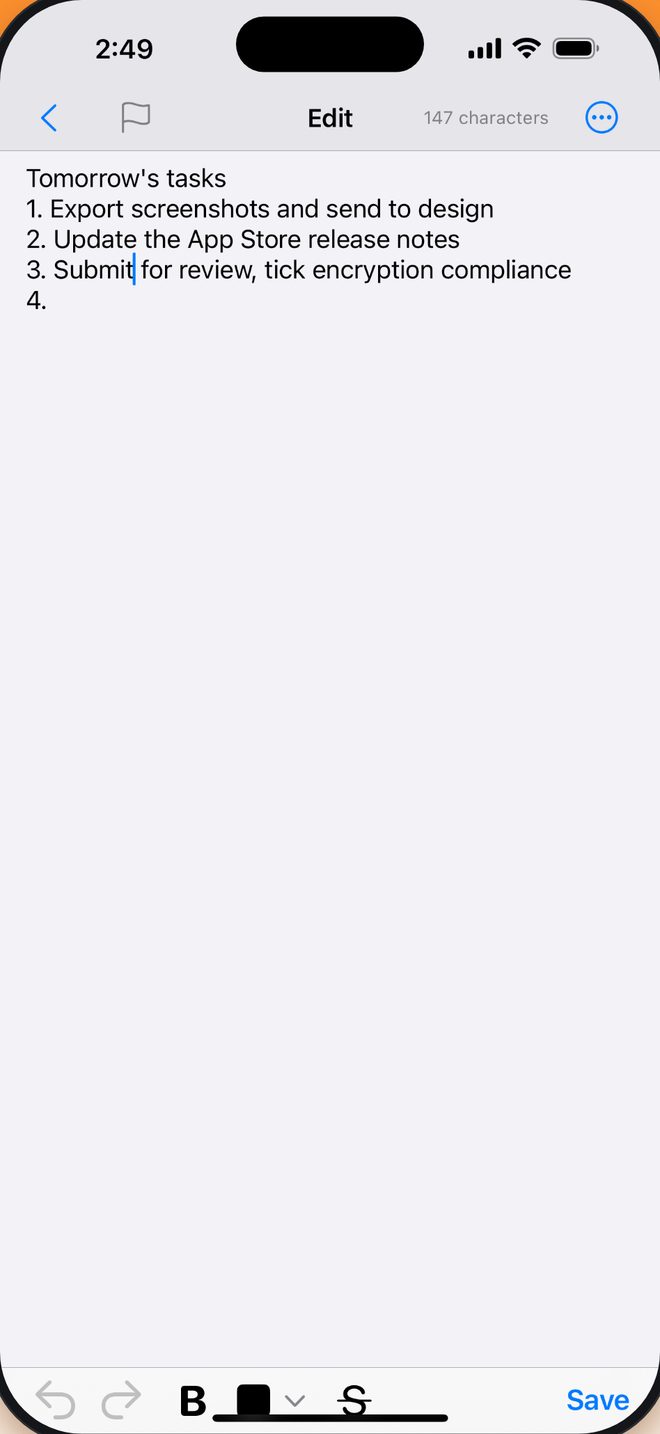
Manage things as “Notebook → Group → Note” with multi-level nesting for complex setups—or skip filing entirely and just jot things down.
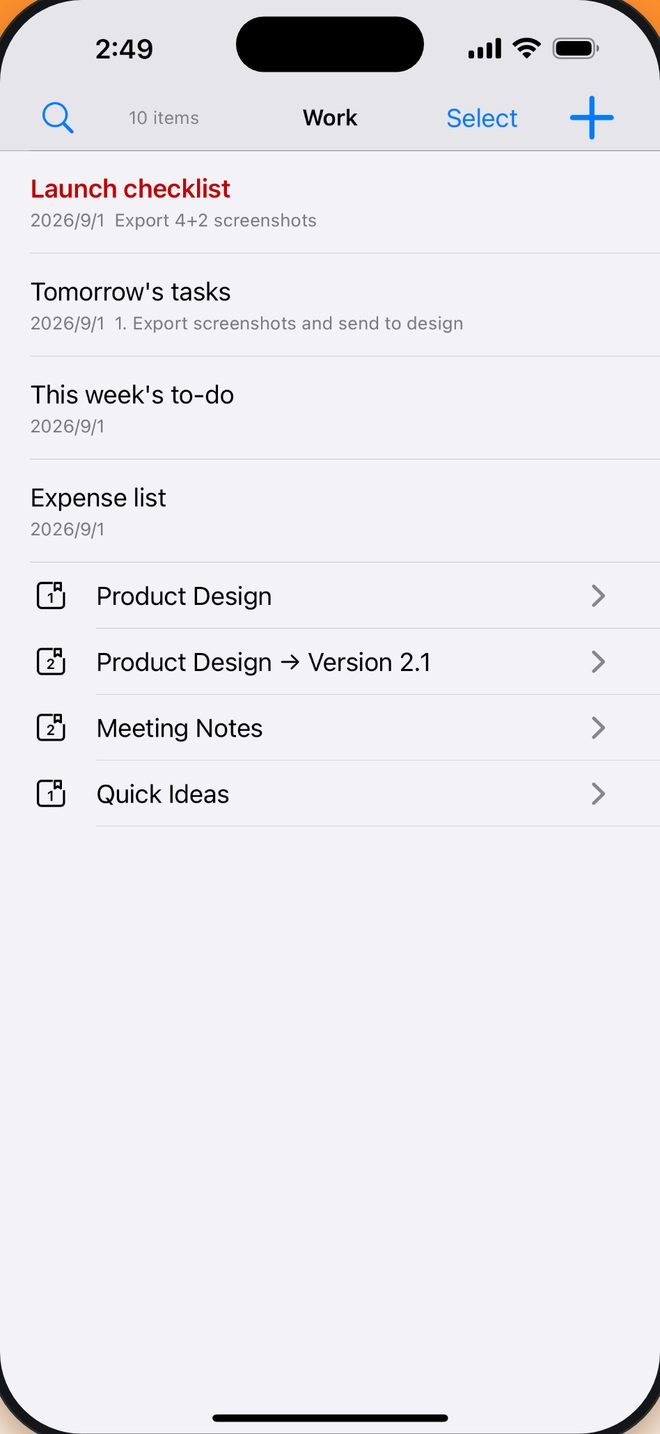
When you spot a passage or link in Safari or another app, just tap Share and choose Mini Notes. It drops straight into your inbox—no copying back and forth.
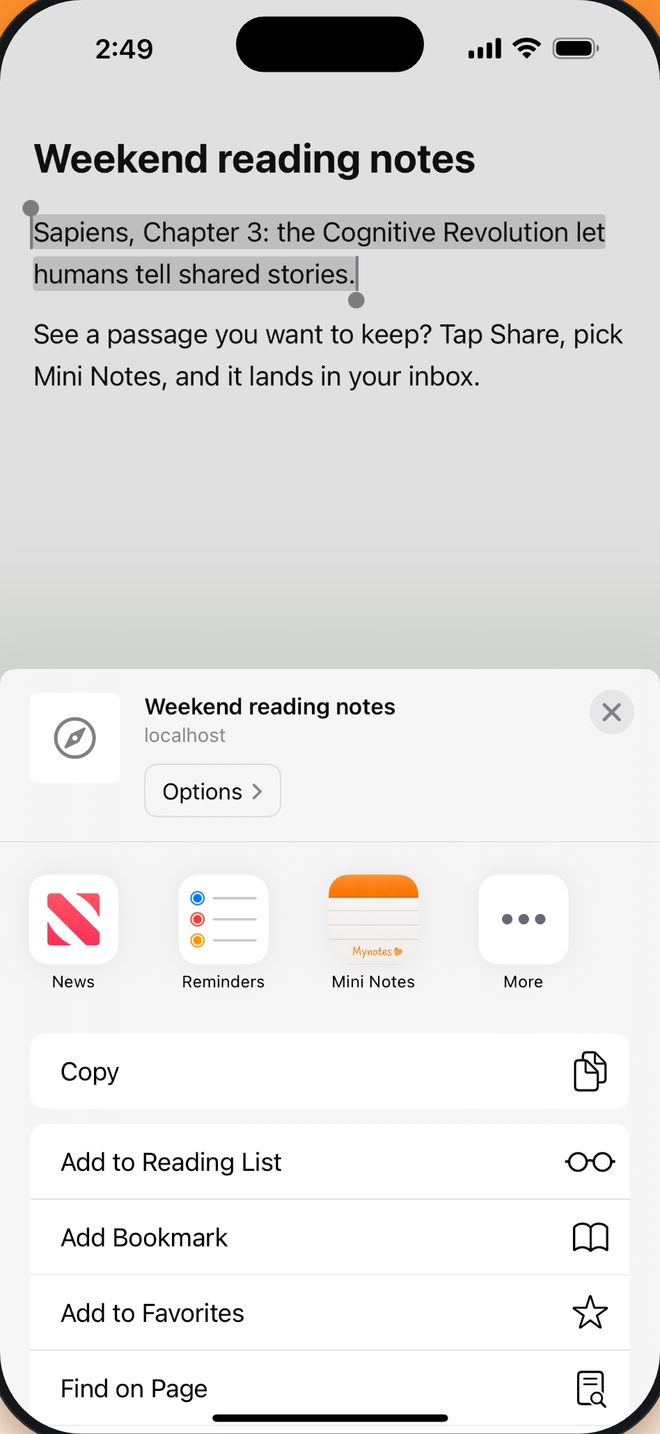
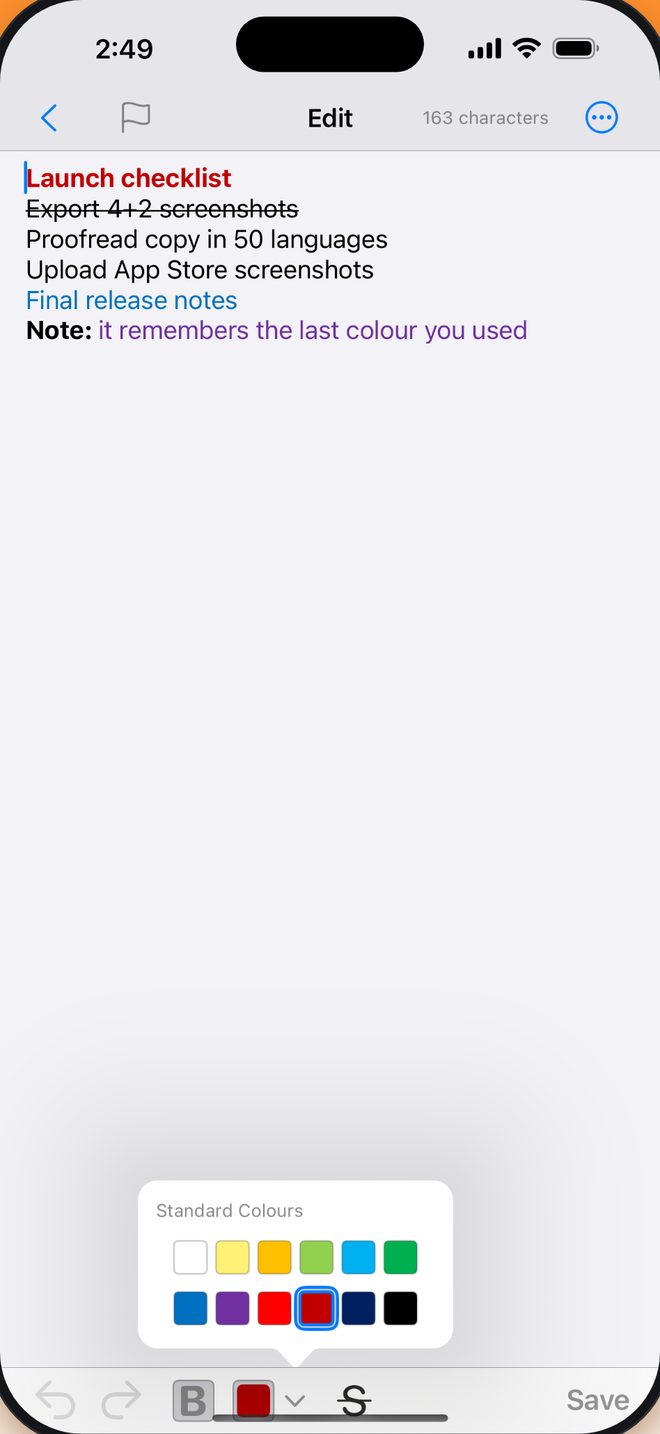
The rich-text editor gives you bold, strikethrough and a 12-colour preset palette, and remembers the last colour you used so you don't set it again. Titles inherit the body's formatting, keeping list previews clean and readable.
12 colours · bold · strikethrough
The editor remembers the colour you used last, so the next note picks up where you left off.
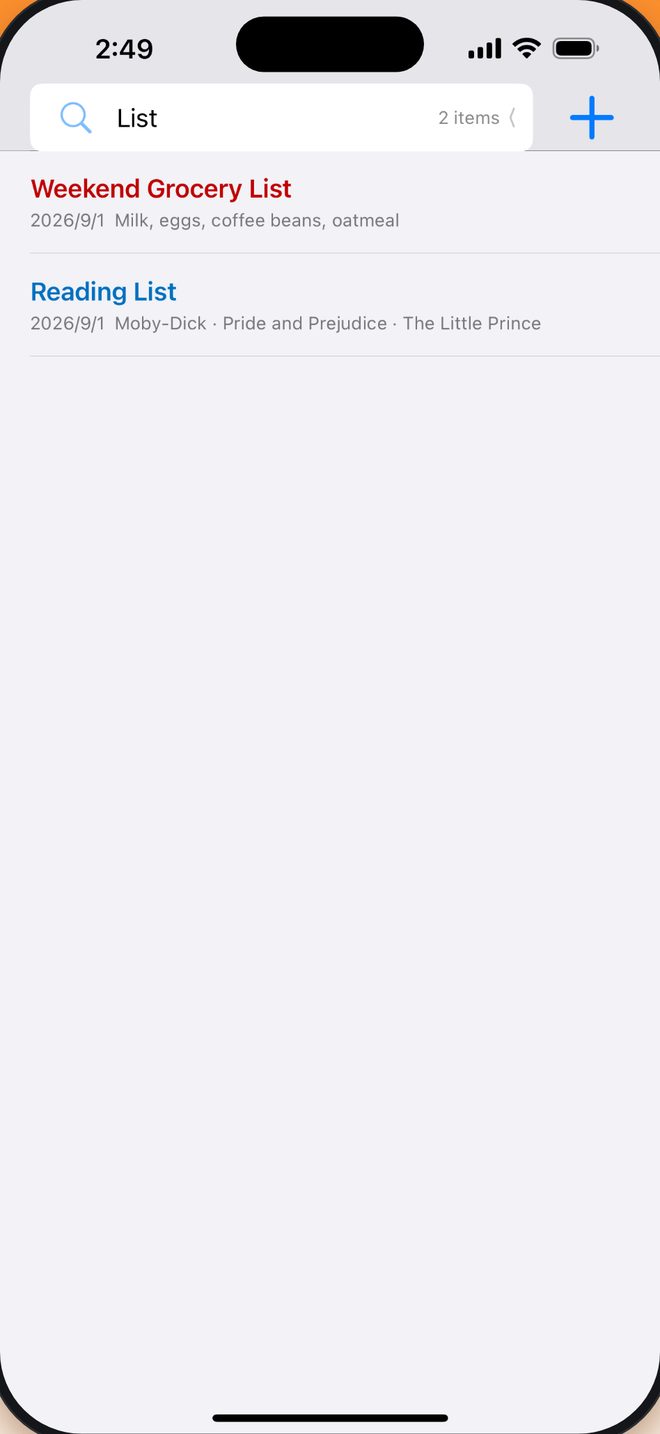
Type a keyword — notes filter instantly
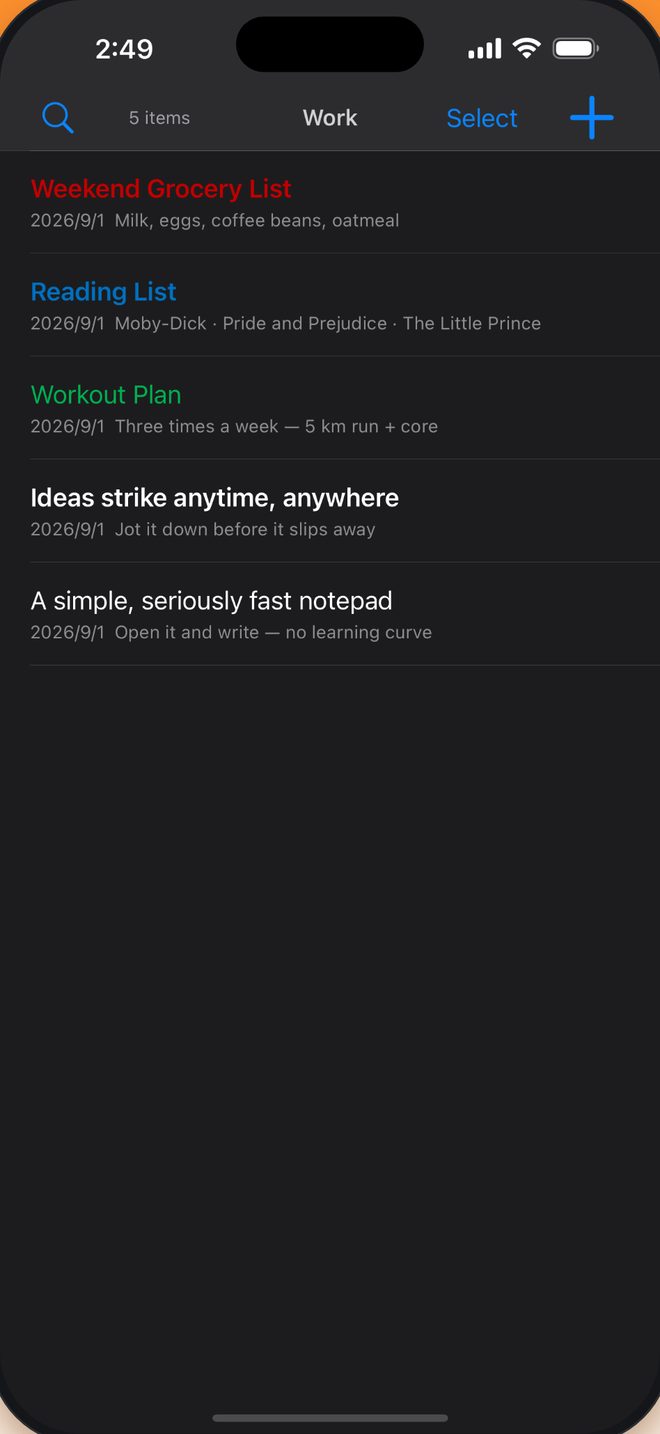
Follows your system automatically
iPad
On iPad the note list sits on the left and the editor on the right, so browsing and writing never get in each other’s way. Plug in a keyboard and the whole app answers to it.
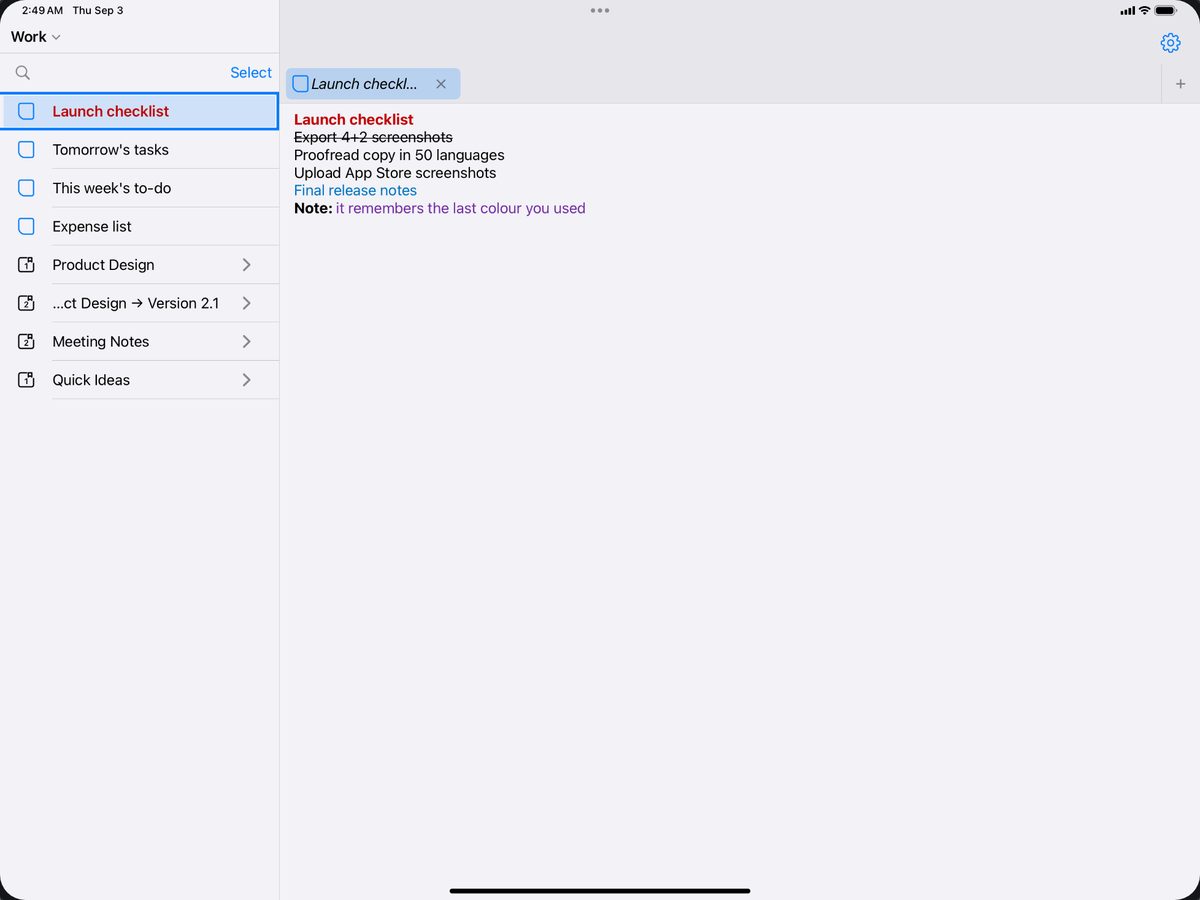
⌘N new, ⌘1–9 tabs, ⌃Tab back to the sidebar
Keyboard shortcuts
FAQ
Yes. Downloading and using Mini Notes costs nothing, and none of the writing features are behind a paid tier.
Your draft is written to the device as you type. Reopen the app and everything comes back — down to the line the cursor was on.
No. There’s no sign-up and no login. Open the app and your first note is one tap away.
iPhone and iPad, running iOS 16.0 or later.
On your device, in a local database that is encrypted on disk. Note content is not uploaded to a server.
Yes. Tap Share in Safari or any other app and choose Mini Notes — the link or text lands in your inbox and becomes a new note.
Free on the App Store. iPhone and iPad, iOS 16.0 or later.
Download on the App Store